


Last Updated: October 31, 2026
Quick Summary
To protect business systems from ransomware, keep software patched, require multi-factor authentication, and train staff to spot phishing. Back up data using the 3-2-1 approach with one copy kept offline, add detection tools and network segmentation, and maintain a written response plan that your team rehearses.
- Apply operating system and application updates within days, not months.
- Use multi-factor authentication on email, remote access, and admin accounts.
- Keep 3 copies of important data on 2 media types, with 1 offline.
- Segment your network so one infected PC cannot reach every server.
- Rehearse your ransomware response plan once or twice a year with a tabletop exercise.
Table of Contents
- What Ransomware Does to a Business and Why It Spreads
- Step 1: Build Ransomware Prevention Best Practices Into Daily Operations
- Step 2: Set Up a Ransomware Backup Strategy for Businesses
- Step 3: Deploy Ransomware Detection Tools and Network Controls
- Step 4: Write and Rehearse a Business Ransomware Response Plan
- Booking a Ransomware Readiness Review for Your Business
- Frequently Asked Questions
What Ransomware Does to a Business and Why It Spreads
Ransomware locks your files and demands payment to unlock them. Attackers usually get in through a phishing email, a stolen password, or an unpatched system, so knowing how to protect business systems starts with knowing those entry points. Once inside, the malware spreads across shared drives and connected machines, often before anyone notices.
Most attacks follow a predictable path, and you can block many of the steps.
Here is how a typical attack unfolds:
- A staff member opens a fake invoice attached to an email
- Malware quietly gathers passwords and maps the network
- Attackers disable backups and copy sensitive data
- Files are encrypted and a ransom note appears
Each stage gives you a chance to stop the attack, and the steps below show you how to protect business systems at every point along the way.
Step 1: Build Ransomware Prevention Best Practices Into Daily Operations
Prevention starts with habits, not software. Most successful attacks rely on something a person clicked, opened, or reused.
Focus on these basics first:
- Keep software patched. Apply operating system and application updates within days, not months.
- Use multi-factor authentication on email, remote access, and admin accounts.
- Limit admin rights. Regular staff should not be able to install software freely.
- Train staff to spot phishing. Teach them to verify unexpected payment requests by phone.
Watch out: Teams often skip patching servers and older machines. Attackers look for exactly those gaps.
Step 2: Set Up a Ransomware Backup Strategy for Businesses
Backups are a strong recovery tool. If attackers encrypt your files, a clean copy lets you restore without paying.
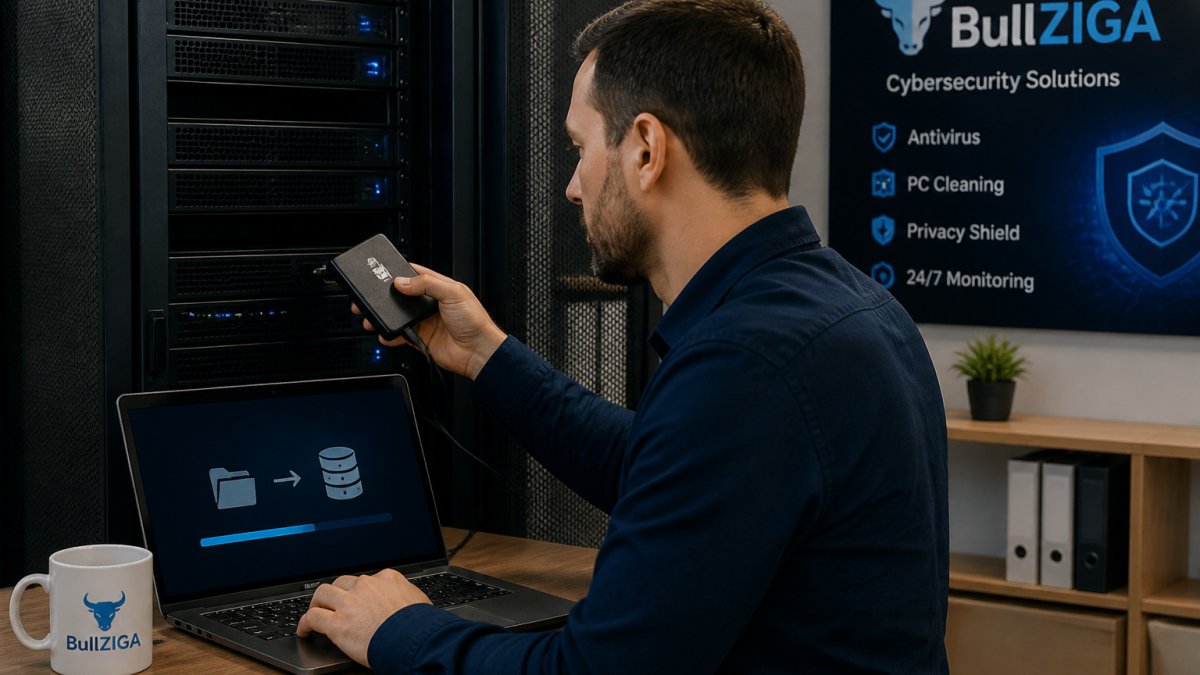
Follow the 3-2-1 approach:
- Keep 3 copies of important data
- Store them on 2 different types of media
- Keep 1 copy offline or disconnected from your network
Test restores regularly. A backup you have never restored is only a guess. Keep the offline copy physically separate, because attackers often target connected backup drives first.
Step 3: Deploy Ransomware Detection Tools and Network Controls
Detection tools catch suspicious behavior, such as a program rapidly renaming hundreds of files. Early alerts let you isolate a machine before the damage spreads.
Consider these controls:
- Endpoint protection that watches for unusual file activity
- Endpoint detection and response (EDR) for continuous monitoring and alerts
- Network segmentation so one infected PC cannot reach every server
- Email filtering to block malicious attachments before they arrive
BullZIGA offers ransomware protection and EDR options built for businesses of this size, and our NIST guidance on ransomware detection controls explains why layered defenses matter.
Ransomware protection is available as part of the BullZIGA product line, and a free trial is offered so you can evaluate it. For monitoring that goes beyond a single device, BullZIGA’s EDR offering is designed for endpoint detection and response.
The article lists the main controls that help catch ransomware early and limit its spread.
| Control | What it does | Why it matters |
|---|---|---|
| Endpoint protection | Watches for unusual file activity | Flags a program rapidly renaming files |
| Endpoint detection and response (EDR) | Provides continuous monitoring and alerts | Supports fast isolation of infected machines |
| Network segmentation | Limits how far an infection can reach | Stops one infected PC reaching every server |
| Email filtering | Blocks malicious attachments before arrival | Stops threats before they reach staff |
Step 4: Write and Rehearse a Business Ransomware Response Plan
When an attack happens, confusion costs money. A written response plan tells people exactly what to do in the first hour.
Your plan should cover:
- Who to call first, including your IT lead, insurer, and legal advisor
- How to isolate infected machines by disconnecting them from the network
- Where clean backups are stored and who can restore them
- When to notify authorities and affected customers
Rehearse the plan once or twice a year with a tabletop exercise. Staff who have practiced the steps respond faster under pressure. The CISA ransomware response guide offers a useful checklist to adapt.
Booking a Ransomware Readiness Review for Your Business
Ransomware protection works best when prevention, backups, detection, and response plans support each other. Start with the steps above, check your gaps honestly, and fix the weakest link first.
If you want a clearer picture of where your business stands, you can start with a free trial and see how automated ransomware defense fits your systems.
Frequently Asked Questions
How can a small business protect itself from ransomware?
Start with the basics: keep operating systems and software patched, enforce multi-factor authentication on email and remote access, remove local admin rights from everyday user accounts, and filter email for malicious attachments and links. Pair these controls with an endpoint security product that watches for encryption behavior, then back up your data to a location ransomware cannot reach. Most attacks succeed through a handful of preventable gaps, so closing those gaps first delivers the biggest reduction in risk for the least effort.
How often should businesses test their ransomware recovery plan?
Test your recovery plan at least twice a year, and again after any major change such as a new server, cloud platform, or staff turnover in IT. A useful test restores a sample of real files and at least one full system from backup, then measures how long recovery actually takes. Record the results, note which steps failed or were unclear, and update the response plan. A backup that has never been restored is an assumption, not a recovery capability.
Can antivirus software protect a business from ransomware?
Traditional antivirus blocks known malware signatures, but ransomware often arrives in new variants or uses legitimate tools to spread. Stronger protection combines antivirus with endpoint detection and response (EDR), which flags suspicious behavior such as mass file renaming or unusual encryption activity. No single tool stops every attack, so antivirus should be one layer in a setup that also includes backups, patching, access controls, and staff training.
What should a business do if ransomware is detected?
Isolate affected devices from the network immediately by disconnecting them from Wi-Fi and wired connections, without powering them off, so forensic evidence is preserved. Disable shared drives and accounts that may be spreading the infection, notify your IT provider or incident response contact, and follow your written response plan. Do not pay the ransom before consulting your plan, legal advisors, and law enforcement, and begin restoring systems only from clean, verified backups.
